
WordPress Multisite Hacked: How We Investigated and Recovered the Network
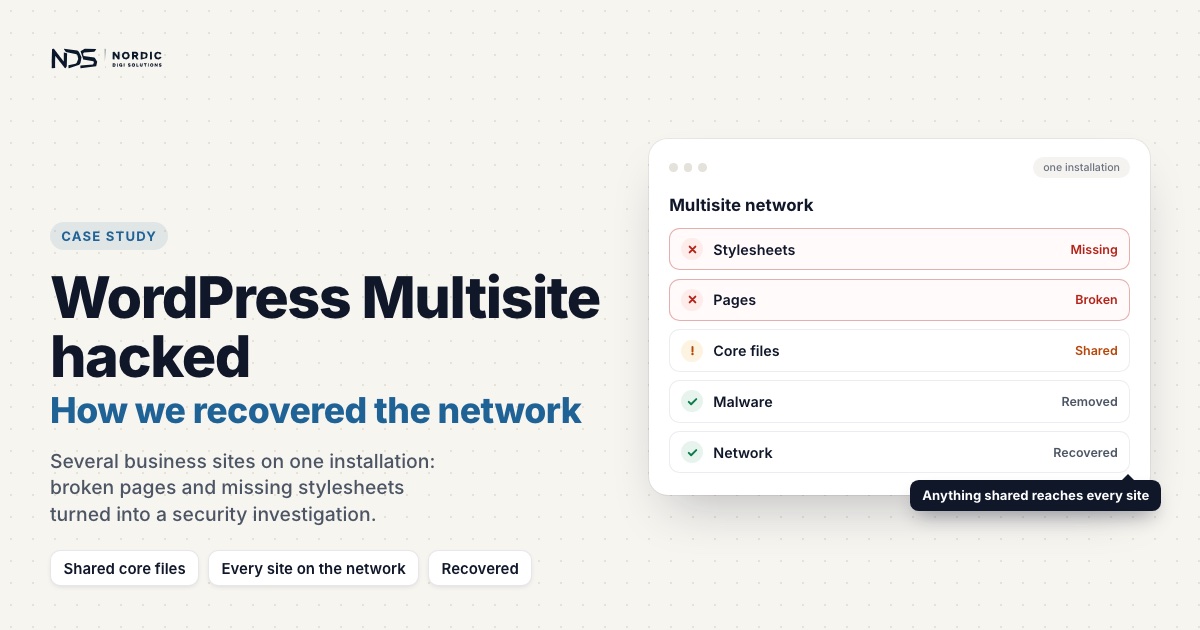
The client ran a WordPress Multisite network, with several business websites managed from a single WordPress installation. That setup keeps updates and management in one place, but it has a sharp edge: anything affecting the core installation can reach every site on the network at once. What came in as a routine report of broken pages and missing stylesheets turned, within hours, into a full security and infrastructure investigation.
The Setup
Because the sites all ran from one WordPress Multisite installation, they shared core files, plugins, themes, and user management, while keeping their own configurations and content. The client told us several sites were behaving unexpectedly. Some pages looked broken, stylesheets were missing, and overall performance and functionality had become unreliable. The shared architecture meant we could not look at any single site in isolation. We had to examine both the shared infrastructure and the individual site configurations.
The Challenge
When we started the assessment, several warning signs were visible right away:
- Several sites showed broken layouts.
- CSS and JavaScript assets were not loading correctly.
- The browser console logged numerous errors.
- Certain pages behaved differently than expected.
- PHP warnings and compatibility issues appeared throughout the environment.
With everything running on a shared Multisite installation, finding the root cause meant working through the infrastructure methodically rather than patching symptoms on one site at a time.
Initial Investigation
Reviewing the server configuration
We started with the server configuration and site routing. During that review we found unauthorized redirect rules inside the site’s .htaccess file. The rules served no legitimate business purpose, and their presence pointed to a compromised environment. Finding redirect logic that nobody had put there on purpose immediately moved this from a troubleshooting job to a security incident.
Inspecting WordPress core files
We then checked the integrity of key WordPress core files. One of the first discoveries was that the site’s index.php had been modified. Instead of the standard WordPress bootstrap, the file carried extra custom logic written to profile visitors and selectively serve different content. That behaviour is a familiar signature of SEO cloaking and malware. Unauthorized code sitting inside a core file confirmed the installation could no longer be trusted without deeper analysis.
Analyzing suspicious PHP files
Digging further turned up heavily obfuscated PHP. The code carried the usual malware traits:
- Encoded strings
- Dynamic function execution
- Hidden routing logic
- Visitor detection
- External communication routines
- Search engine targeting behaviour
The level of obfuscation told its own story. The code was written to dodge detection and make manual analysis as awkward as possible.
WordPress Multisite Assessment
Next we reviewed the Multisite architecture itself. Multiple sites ran from one installation, which meant they shared:
- WordPress core files
- Plugins
- Themes
- User management
Each site kept its own configuration and content, but the shared layer was the real concern. Any compromise touching those shared resources could reach every site on the network, so understanding the structure was essential before recommending any fix.
Browser Console Analysis
To understand the broken front end, we worked through the browser console logs. Several issues stood out.
Missing assets
Multiple CSS and JavaScript files were returning 404 errors, which explained why some sites looked unstyled or only half-rendered.
Mixed content issues
Some resources were trying to load over HTTP while the sites themselves ran over HTTPS. Modern browsers block those insecure requests, so stylesheets, fonts, and scripts simply failed to load.
Rate limiting errors
The console also showed 429 responses, meaning some requests were being blocked by rate limiting or security restrictions. That sent us to look at the security tools, firewall rules, and plugin-level protections that might be involved.
PHP Compatibility Review
While we were in the environment, we also found a number of PHP compatibility warnings. Several plugins and theme components were throwing deprecation notices under newer PHP versions. These were not the cause of the compromise, but they added instability and made troubleshooting harder than it needed to be. Our recommendation was to review plugin compatibility and validate the PHP version against the rest of the software stack.
Key Findings
The investigation surfaced several independent problems across the environment.
Security
- Unauthorized redirect rules
- Modified WordPress core files
- SEO cloaking behaviour
- Obfuscated PHP malware
- Indicators of unauthorized access
Infrastructure
- Multisite configuration complexity
- Shared resources affecting multiple sites
- Missing front-end assets
- Mixed-content configuration issues
Compatibility
- Deprecated PHP functionality
- Theme compatibility concerns
- Plugin framework compatibility warnings
Performance and reliability
- Asset loading failures
- Browser security blocks
- Rate limiting responses
- Front-end rendering issues
Recovery Strategy
With the picture clear, we put together a structured recovery plan:
- Remove the malicious redirect rules.
- Replace the compromised WordPress core files.
- Remove unauthorized PHP files and backdoors.
- Verify the integrity of the Multisite configuration.
- Audit themes and plugins.
- Correct the HTTPS and mixed-content issues.
- Review firewall and security plugin settings.
- Reset privileged account credentials.
- Run a complete malware scan.
- Put ongoing security monitoring in place.
The point of this sequence is not just to restore the environment, but to harden it so the same thing does not happen again.
Outcome
The investigation pinned down the root causes behind the client’s website problems and exposed evidence of a wider compromise across the WordPress environment. By working methodically through the server configuration, core files, Multisite architecture, console logs, and security indicators, we established a clear recovery path and a set of concrete recommendations for restoring the network safely. It was a good reminder that complex site issues often need WordPress knowledge, security analysis, and infrastructure troubleshooting working together, not any one of them alone.
Key Lesson
WordPress Multisite is powerful, but it asks for careful attention to security and maintenance. When a compromise hits shared resources, the damage spreads across every site at once. A structured investigation is what let us find the hidden issues, uncover the malicious changes, and lay out a route back to a secure, reliable environment. If a WordPress site is behaving strangely, showing security warnings, or rendering broken layouts, a thorough technical investigation is usually the fastest way to find the real problem before it does more damage.
Shared infrastructure widens the damage in other setups too. On one VPS we cleaned, malware had spread between separate WordPress installs under the same account: how we recovered and secured that VPS without root access.
If your Multisite network shows the same signs
Broken layouts and missing stylesheets are common, and most of the time they have an ordinary cause. What turned this job into an incident was code nobody had put there on purpose. These checks are the quickest way to tell the two apart on your own network.
- Compare core with the official release. A network is a set of sites that share the same WordPress core files, so one check covers every site. If you have SSH access, WP-CLI’s
wp core verify-checksumscompares the installed files with WordPress.org’s checksums and names each file that does not match, which is how a modifiedindex.phpshows itself. Adding--include-rootalso warns about non-WordPress items in the root folder. - Check plugins the same way.
wp plugin verify-checksums --alldoes the same for plugins against WordPress.org’s checksums. Premium plugins and commercial themes publish no checksums, so they need a structural review instead, as in the investigation where a security plugin had missed three backdoors. - Read the .htaccess file line by line. Network setup puts its rewrite rules in the
.htaccessfile in the same folder aswp-config.php, and with one installation that file sits in front of every site. A redirect rule nobody can account for is a reason to investigate, not just to delete it and move on. - Treat Super Admin accounts as keys to every site. In a network, only Super Admins can install or update plugins and themes, and WordPress describes the role as covering every task across the network. Resetting privileged credentials is part of the recovery plan above, and it comes after the malicious files are removed, so a live backdoor cannot hand the attacker the new passwords.
- Write down what the browser console says before changing anything. In this case 404s on stylesheets and scripts, mixed-content blocks and
429responses each told a different part of the story.
Is your Multisite network acting strangely?
A network needs a different kind of investigation from a single site, because the evidence is shared and so is the risk. Our WordPress security service handles server-level and multi-site compromises from €1,499 excl. VAT, including infection mapping across every site on the install, with a free first assessment and a fixed price in writing before any work starts. Once a network is clean, our WordPress maintenance plans, from €99 a month, keep core, plugins and themes updated and monitored so the shared layer stays trustworthy. If something on your network looks wrong now, tell us what you are seeing.
Related case studies
Elementor Hamburger Menu Not Working: A JavaScript Console Error Case Study
The mobile menu was visible but wouldn't open. It looked like a caching issue, but the browser console revealed a single JavaScript syntax error from an Elementor plugin that was breaking every interactive element on the page. Here's how we traced it, and the safe way to fix it without touching plugin core files.
Read articleWordPress Site Loading Without CSS, JavaScript, or Images: A File Permission Fix
A WordPress site was loading as mostly unformatted HTML: layout gone, images broken, navigation reduced to plain links. Its pages, database and admin area were still running. The cause was not malware or a failed update. It was one directory permission on wp-content.
Read articleRestoring a Legacy WordPress Website After PHP Compatibility Errors
A legacy WordPress site built with an older theme, bundled shortcodes, dated builder components and outdated plugins started breaking after a PHP update. We restored admin access, resolved the critical fatal errors, handled plugin and builder conflicts, and recovered the broken promo box shortcode section while preserving the existing design.
Read article